


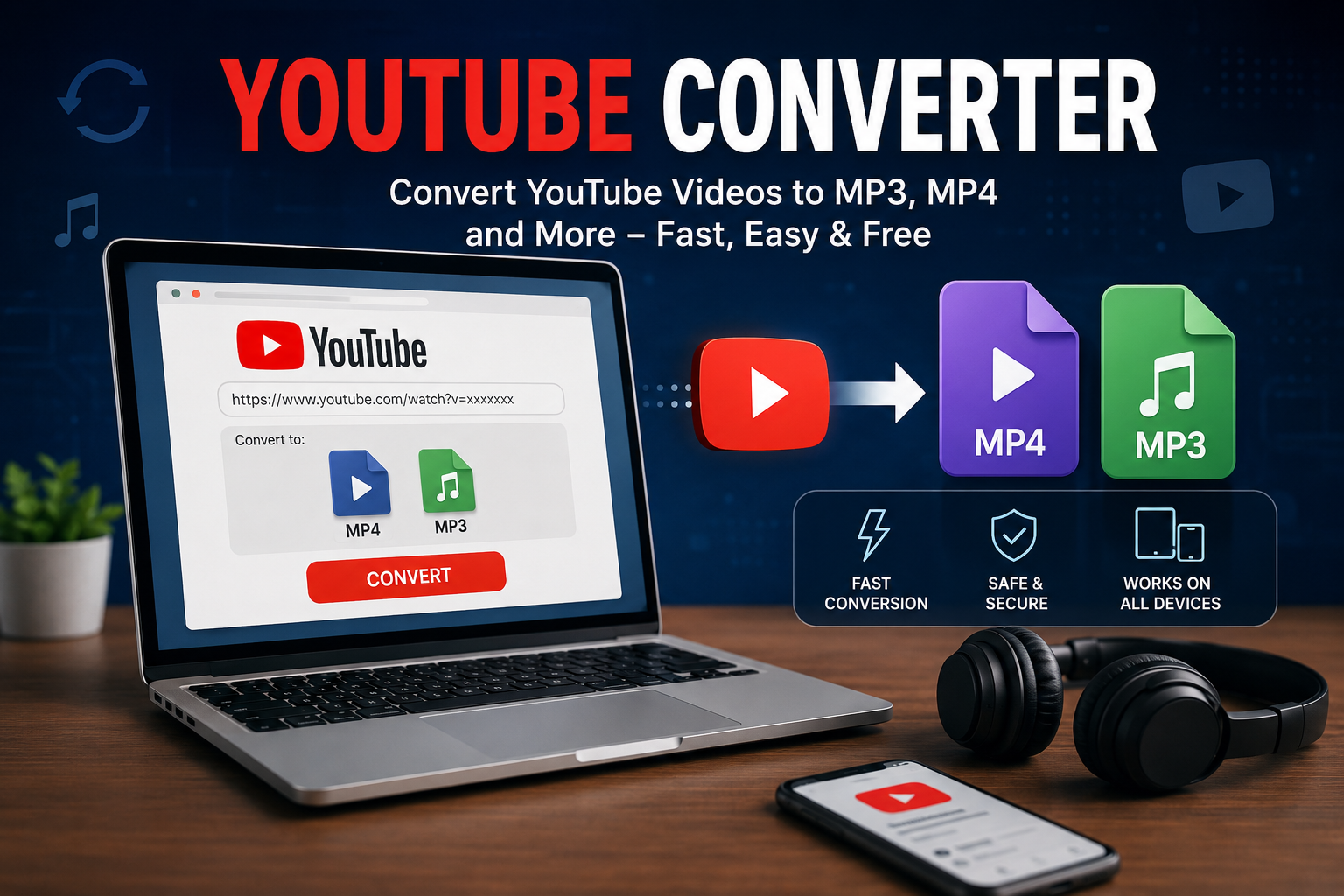
A YouTube converter can sound like a simple tool: paste a video link, choose a format, and download the result. And, technically, that’s often how it works. But once you start looking closer, there’s more to these tools than a single download button.
People use YouTube converters for different reasons. Someone might want to save their own uploaded video, extract audio from content they’re legally allowed to download, or keep a copy of a public-domain recording for offline use. Others simply want a more convenient way to access media when they don’t have a reliable internet connection.
The tricky part is choosing a converter that’s safe, useful, and appropriate for the content you’re working with. Not every website that promises a “free conversion” deserves your trust.
Here’s what you should know before clicking that tempting download button.
Table of Contents
- What Is a YouTube Converter?
- How Does a YouTube Converter Work?
- Why Do People Use YouTube Converters?
- YouTube to MP3 vs. YouTube to MP4
- What Makes a YouTube Converter Safe?
- Common Problems You May Run Into
- Copyright and Downloading: The Part People Overlook
- How to Use a YouTube Converter More Carefully
- Are Online YouTube Converters Worth Using?
- Final Thoughts
What Is a YouTube Converter?
A YouTube converter is a web-based service or software tool designed to change online video content into another format. Depending on the service, that might mean converting a video into an MP4 file or extracting its audio into an MP3 file.
The basic idea is straightforward.
You provide a video URL, the service processes the media, and you’re given an option to save the resulting file. Some converters work entirely in a browser, while others require you to install an application.
Imagine you’ve uploaded a tutorial to your own YouTube channel and lost the original video file after replacing an old laptop. If you need your own copy again, a conversion or download tool can sometimes be useful.
The important distinction is what content you’re downloading and whether you have the right to do so.
A converter is simply a technical tool. It doesn’t automatically make every download legal or permitted.
How Does a YouTube Converter Work?
Most online converters follow roughly the same process, even though their interfaces can look completely different.
You paste a video address into a box. The service identifies the media associated with that URL and prepares it for conversion. You may then be offered different formats, resolutions, or audio-quality options.
For video, MP4 is one of the most common choices because it works on a wide range of phones, computers, televisions, and media players.
For audio, MP3 is popular because the files are relatively small and compatible with almost everything.
Behind the scenes, the process can be more complicated than the simple interface suggests. The service may need to retrieve available media streams, process them, and then encode the output into the requested format.
That’s why conversion speed can vary dramatically.
A short clip might be ready almost immediately. A long, high-resolution video can take considerably longer.
Why Do People Use YouTube Converters?
Convenience is probably the biggest reason.
Streaming works brilliantly when you have a stable internet connection. But not everyone has unlimited data or reliable connectivity. If you’re traveling, commuting, or dealing with weak mobile service, offline access can be appealing.
There are also legitimate personal-use situations.
For example, a creator might want to recover a copy of their own published material. A teacher may have permission to use certain educational content offline. Someone working with public-domain material might need to convert a file into a format supported by their editing software.
Another common reason is compatibility.
Maybe you have a video file that your old media player doesn’t handle properly. Converting a legally obtained video into a compatible format can solve that problem without changing the actual content.
Still, convenience shouldn’t override basic caution.
If a site promises everything instantly, asks you to install a strange browser extension, or throws five pop-up windows at you before showing a download button, that’s a pretty good reason to leave.
YouTube to MP3 vs. YouTube to MP4
The choice between MP3 and MP4 depends on what you actually need.
MP3 is primarily an audio format. If you only need the sound from content you’re permitted to download, an audio file is smaller and easier to store than a complete video.
MP4, on the other hand, is a video container commonly used for storing both video and audio.
Think of it this way: if you’re saving a video for legitimate offline editing, MP4 makes more sense. If you’re working with audio content that you have permission to save separately, MP3 may be more practical.
There’s also the question of quality.
Converting a low-quality source into a higher-resolution file won’t magically improve it. If the original audio is compressed or the video is blurry, selecting a bigger output size doesn’t recreate information that wasn’t there.
That’s an easy mistake to make.
A 1080p label on a converted file doesn’t necessarily mean it suddenly contains the quality of a genuine high-quality 1080p source.
What Makes a YouTube Converter Safe?
This is where I’d be more cautious than most “top converter” lists.
The conversion itself isn’t necessarily the biggest concern. The website surrounding it can be.
A trustworthy-looking interface doesn’t guarantee that a service is harmless. Some free converter sites rely heavily on aggressive advertising, redirects, misleading buttons, or bundled software.
Before using an unfamiliar service, look at what it’s actually asking you to do.
If it requires an unnecessary browser extension, executable download, account password, or unusual permission, stop and think about whether that requirement makes sense.
You should also be wary of files with unexpected extensions. A supposed media download shouldn’t suddenly turn into an installer.
Keeping your browser, operating system, and security software updated helps too. Basic digital hygiene goes a surprisingly long way.
And don’t assume that a website is safe simply because someone posted its name in a random comment section.
Common Problems You May Run Into
YouTube converters aren’t always smooth.
One day a tool might work perfectly, and the next day it may fail to process a particular link. Websites and platforms change their systems regularly, so third-party services can stop working without warning.
Other common issues include slow conversions, failed downloads, poor audio quality, incorrect file information, and files that won’t play properly.
Then there are advertisements.
You click what appears to be the download button, only to discover that it opens another tab. You close that one and somehow end up somewhere else.
We’ve all seen this kind of thing.
If you encounter repeated redirects or suspicious notifications, don’t keep clicking around hoping the “real” button eventually appears. Close the page.
Another problem is storage. High-quality video files can become surprisingly large, especially if you’re saving multiple long recordings. A few files may seem harmless until your phone suddenly starts warning you that storage is almost full.
Copyright and Downloading: The Part People Overlook
This deserves more attention than it usually gets.
Just because a video is publicly viewable doesn’t mean you automatically have permission to download, redistribute, edit, or reuse it however you want.
Copyright belongs to the creator or rights holder unless the material has been licensed or otherwise made available under terms that allow your intended use.
That means you should consider the source and your intended purpose before downloading anything.
If you created the video yourself, that’s a very different situation from downloading someone else’s copyrighted music video and uploading it to another platform.
Likewise, content released under an appropriate Creative Commons license may have specific reuse conditions. Some licenses require attribution, while others restrict commercial use or modifications.
When in doubt, check the video’s licensing information and the platform’s current terms rather than assuming that “it’s on YouTube” means “it’s free to copy.”
That small bit of caution can prevent a lot of trouble later.
How to Use a YouTube Converter More Carefully
Start with the content, not the converter.
Ask yourself whether you own the material, have permission to download it, or are otherwise allowed to use it in the way you intend.
Once that’s clear, choose a reputable approach rather than jumping onto the first search result.
Avoid services that pressure you into installing unrelated software. Don’t enter sensitive account information into a conversion page. And never disable security protections just because a website claims they’re preventing the download.
If you’re downloading your own content, consider whether the platform itself provides an official download or export option. An official method is generally preferable because you’re not relying on an unknown third-party service.
For creators, keeping original files backed up is even better. A local drive plus a separate cloud backup can save you from having to recover old videos through third-party tools later.
It sounds boring.
It also works.
Are Online YouTube Converters Worth Using?
Sometimes, yes. But they aren’t the universal solution they’re often made out to be.
For occasional, legitimate conversions, a reputable tool can be convenient. You don’t necessarily need complicated software when all you want is to convert a file you already have permission to use.
For regular content work, though, dedicated media software can make more sense. It generally gives you greater control over formats, quality, file size, metadata, and other settings.
The biggest mistake is treating convenience as the only factor.
A converter that saves you two minutes isn’t much of a bargain if it fills your browser with notifications, downloads unwanted software, or leaves you wondering whether the resulting file is safe.
Use your judgment.
If something feels unnecessarily complicated or suspicious, there are usually better options.
Final Thoughts
A YouTube converter can be a useful piece of technology when it’s used for content you’re authorized to download or convert. The basic concept is simple, but the surrounding issues—quality, security, compatibility, copyright, and privacy—are worth understanding.
Read More techtimeusa
